
“Significantly reduces the barrier to entry to quantum computing. The biggest impact is the ability to use both QPUs alongside CPUs and GPUs.”
Yuvraj Mohan
Lead Program Manager · Rigetti Computing
A web-based IDE built for quantum software development. 30+ pre-configured environments, GPU and QPU access, and AI coding agents like Claude Code and Codex, right in your browser.
Lab ships ready to go: no Docker images to pull, no Python versions to pin, no GPU drivers to chase. Here's what that looks like.
JupyterLab notebooks, a terminal, and a full qBraid VS Code deployment, with 30+ pinned, reproducible environments for quantum ML, chemistry, and error correction. No conda, no Docker images to pull, no Python versions to pin.
JupyterLab · VS Code · Terminal
30+ curated, reproducible environments
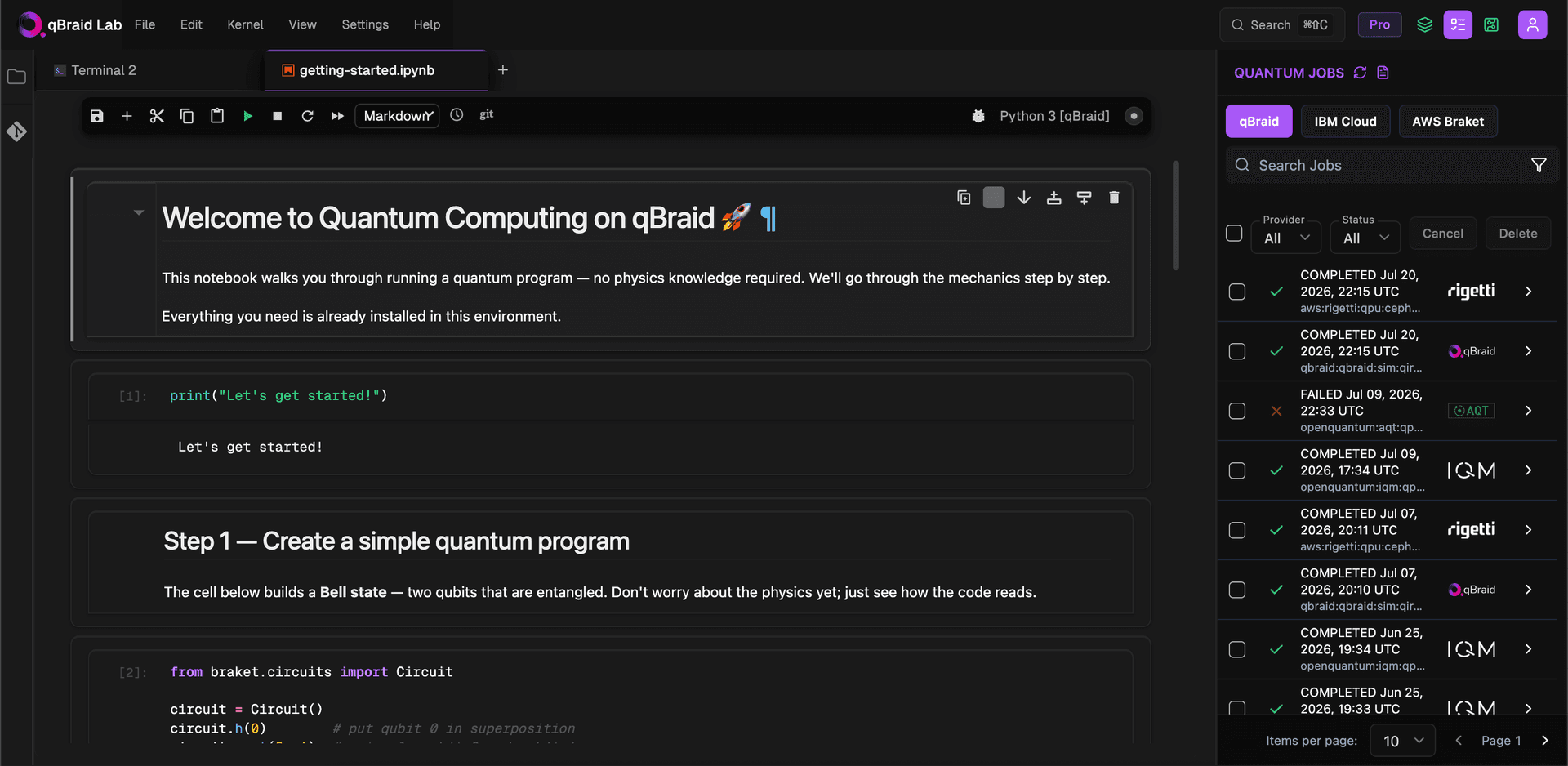
Claude Code and Codex run right in Lab, with Agent Mode for natural-language workflows and a live canvas for the artifacts they build. Describe a circuit and watch it draft, run, and submit the job for you.
Claude Code and Codex in-editor
Agent Mode + live artifact canvas
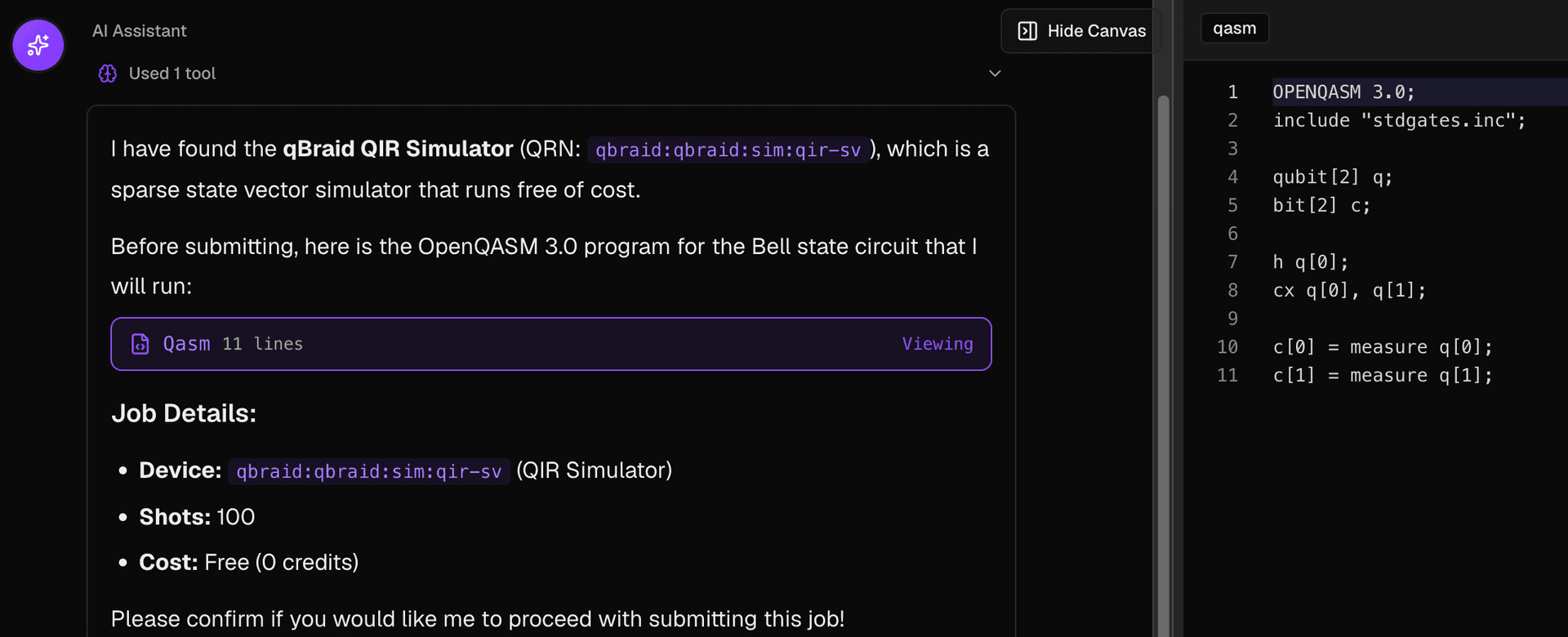
Browse the live device fleet, submit jobs, and track results from panels built into Lab, with no context switching and no separate dashboard. Sign in with GitHub, clone private repos, push from the terminal, and get Slack notifications.
Live device fleet + job tracking
GitHub, Git, and Slack integrated
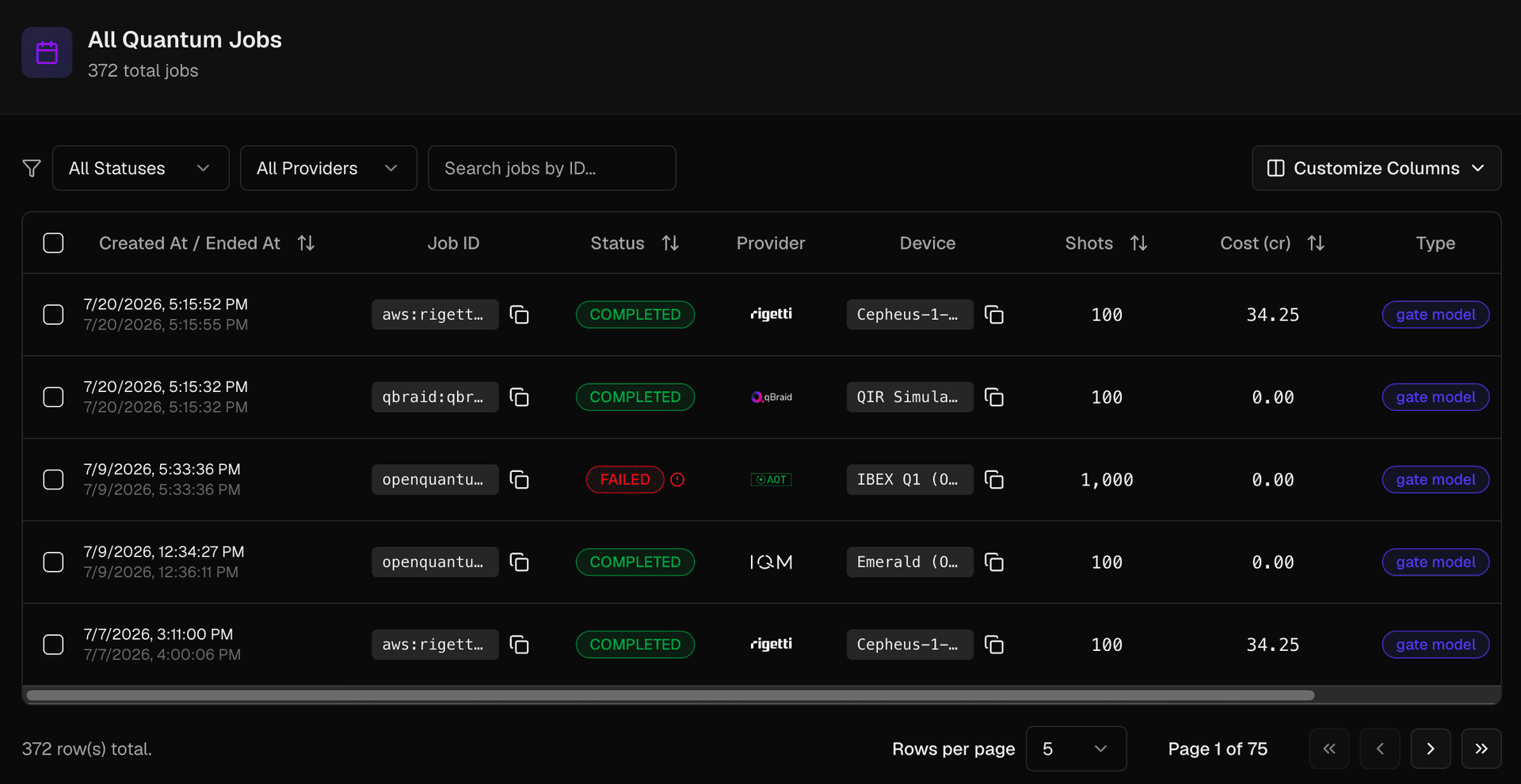
Launch a CPU instance in seconds, spin up on-demand GPUs by the minute (from A100s and H100s up to H200, B200, and GH200, plus multi-GPU nodes), and dispatch to real QPUs, all from the same notebook. Scale up when you need to, or bring your own GPU setup.
Small / Medium / Large CPU instances
20+ on-demand GPU configurations
Neutral-atom, superconducting, and trapped-ion QPUs
“Significantly reduces the barrier to entry to quantum computing. The biggest impact is the ability to use both QPUs alongside CPUs and GPUs.”
“With qBraid, all 75 students were writing quantum code in under fifteen minutes. I got to spend class teaching algorithms, not debugging conda.”
Launch the cloud IDE with CPU, GPU, and QPU in one session. No installation, no setup. Free to start.